




Teaching without Canvas
Canvas is available
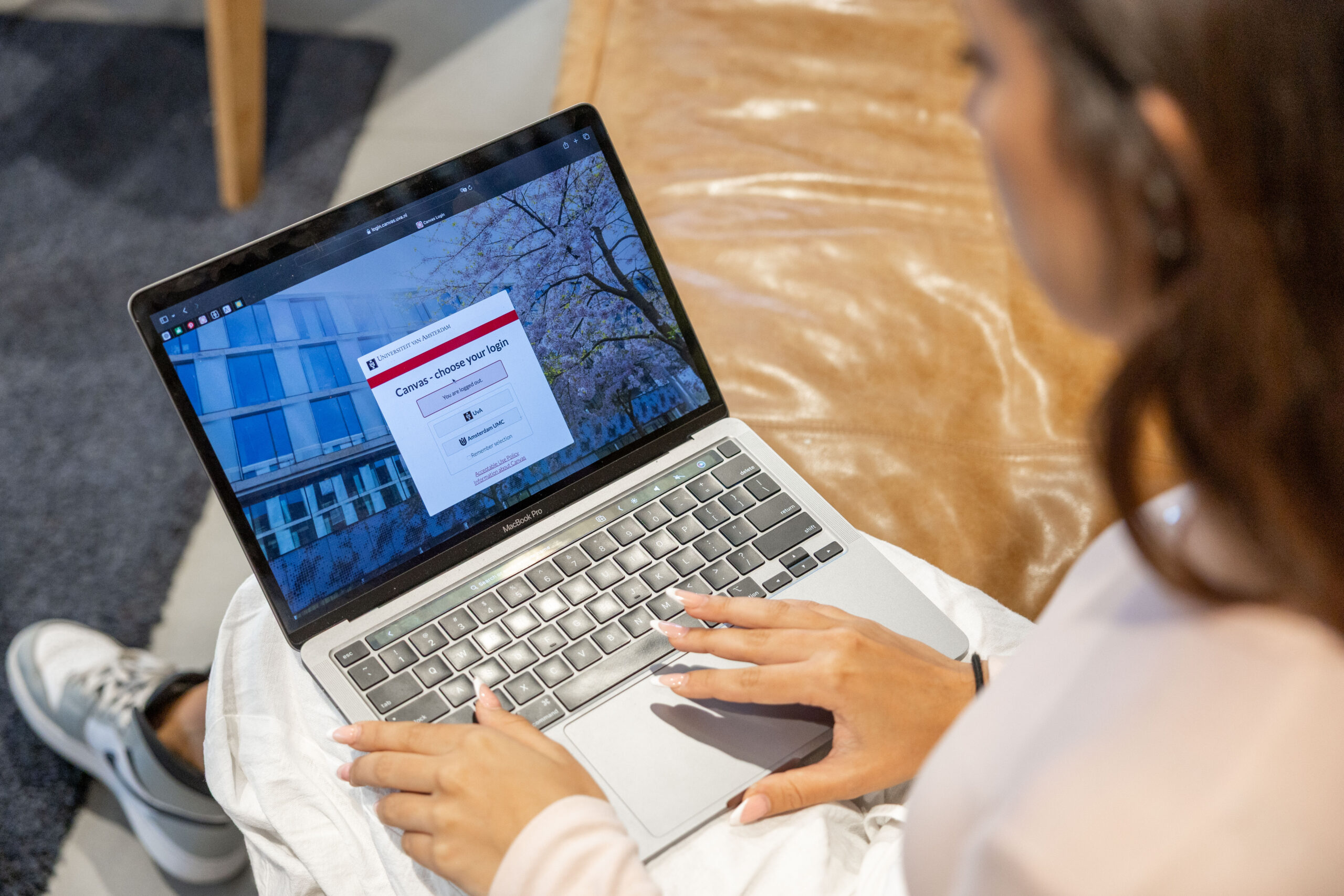
Canvas is fully available again and can be used as normal. It’s important to archive or delete shared course materials and student submissions responsibly. We kindly ask you to do this when you have the chance.
If you made alternative arrangements with students to submit assignments with near‑term deadlines, you can of course continue to apply those arrangements. Do, however, take the points below into account for any later archiving.
Shared course materials
If you have shared course materials (documents, videos, etc.) with students outside Canvas:
- Please also make these materials available in Canvas (if you haven’t already). This ensures the course is complete and that everything is findable and archived correctly. It is also necessary to comply with laws and regulations.
- If you shared links to materials (e.g. via OneDrive or SURFdrive), disable sharing once students no longer need access. See instruction Revoking sharing files in OneDrive and SURFdrive.
- If any materials are stored in places where they shouldn’t be, save them in a secure location and/or delete them where needed.
Work submitted by students outside Canvas
During the period in which Canvas was unavailable, students submitted work in various ways (for example via Outlook, OneDrive, SURFdrive or Teams). Now that Canvas is operational again, we advise you to ask students to resubmit (parts of) this work via Canvas. The study programme remains responsible for the proper archiving of submitted work. We recommend the following:
- Regarding thesis submissions: ask students to resubmit their thesis in Canvas, so that the thesis workflow can be used and archiving is in line with the applicable policy and legislation.
- Ask students to resubmit assignments in Canvas when these determine a substantial part of the final grade (for example an essay that counts for 50%).
- If any student work is still stored in locations where it should not be kept, save the work in a secure location and/or delete it where necessary.
Please note: be alert to possible differences between versions of work that were previously submitted outside Canvas.
Keep students informed
Make sure that students are clearly informed about which materials can be found where and what, if anything, is still expected of them.
Questions and support
If you have questions about what the hack means for the use of Canvas and related tools, please contact your ICTO colleagues. They are best placed to advise on shared teaching materials, student submissions, plagiarism reports that were or were not generated, and any other issues you may run into.