




Audiovisual
Do you want to record lectures?
At the UvA, there are various ways of making your lectures available to students online. You can do this via web lectures, Zoom or Kaltura. It is important to consider whether you want students to be able to watch your lecture online in real time, or whether interaction is required. Below are the possibilities based on your preferences and situation.
Recording lectures
My lecture is in a lecture hall:
We recommend making use of Webcolleges. You can schedule recordings and/or livestream sessions via this link and Webcolleges will facilitate these. After your lecture, Webcolleges will send you a link which you can share with your students.
Note: first and second year BA lectures will be recorded automatically.
My lecture is in a seminar room:
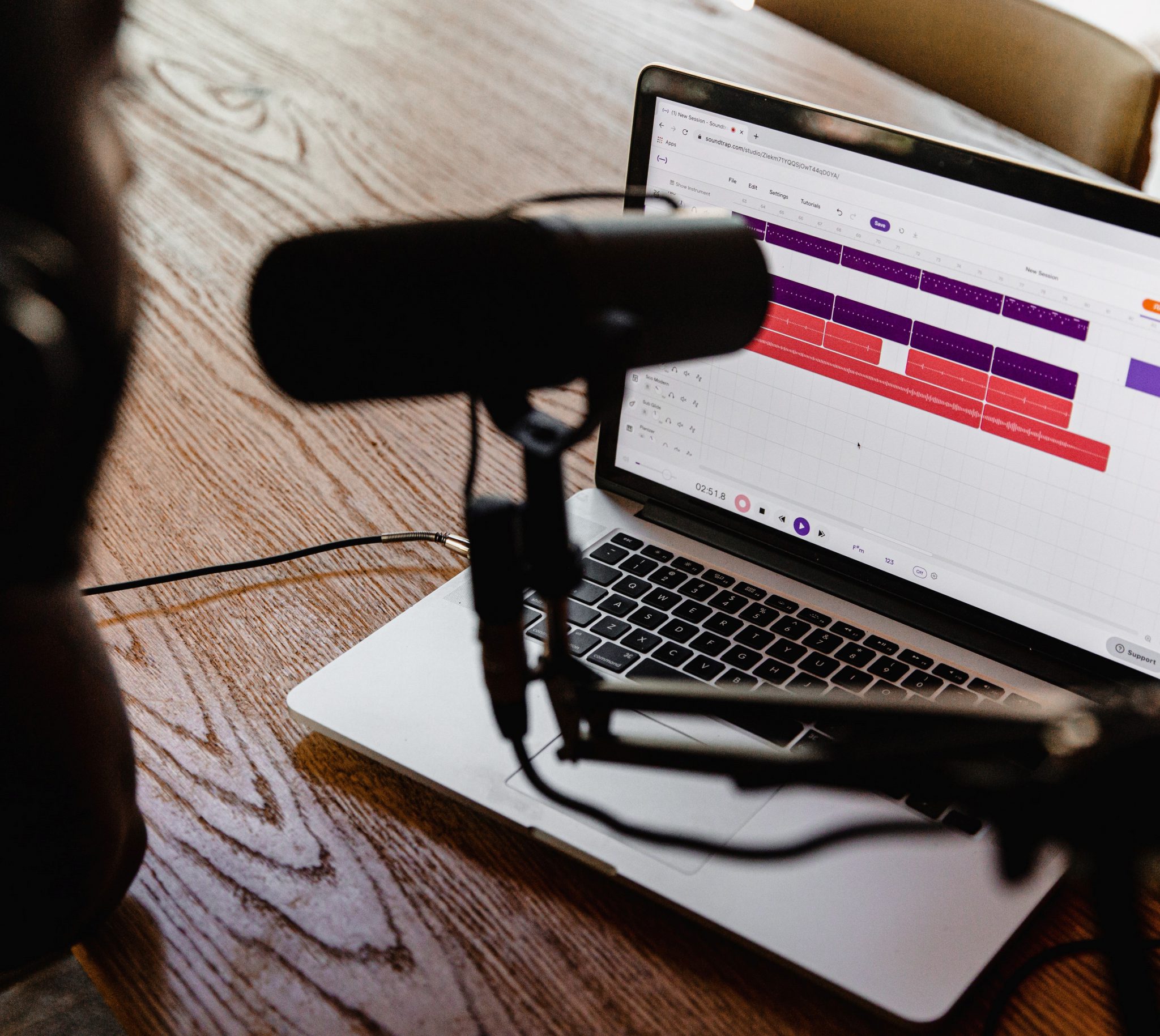
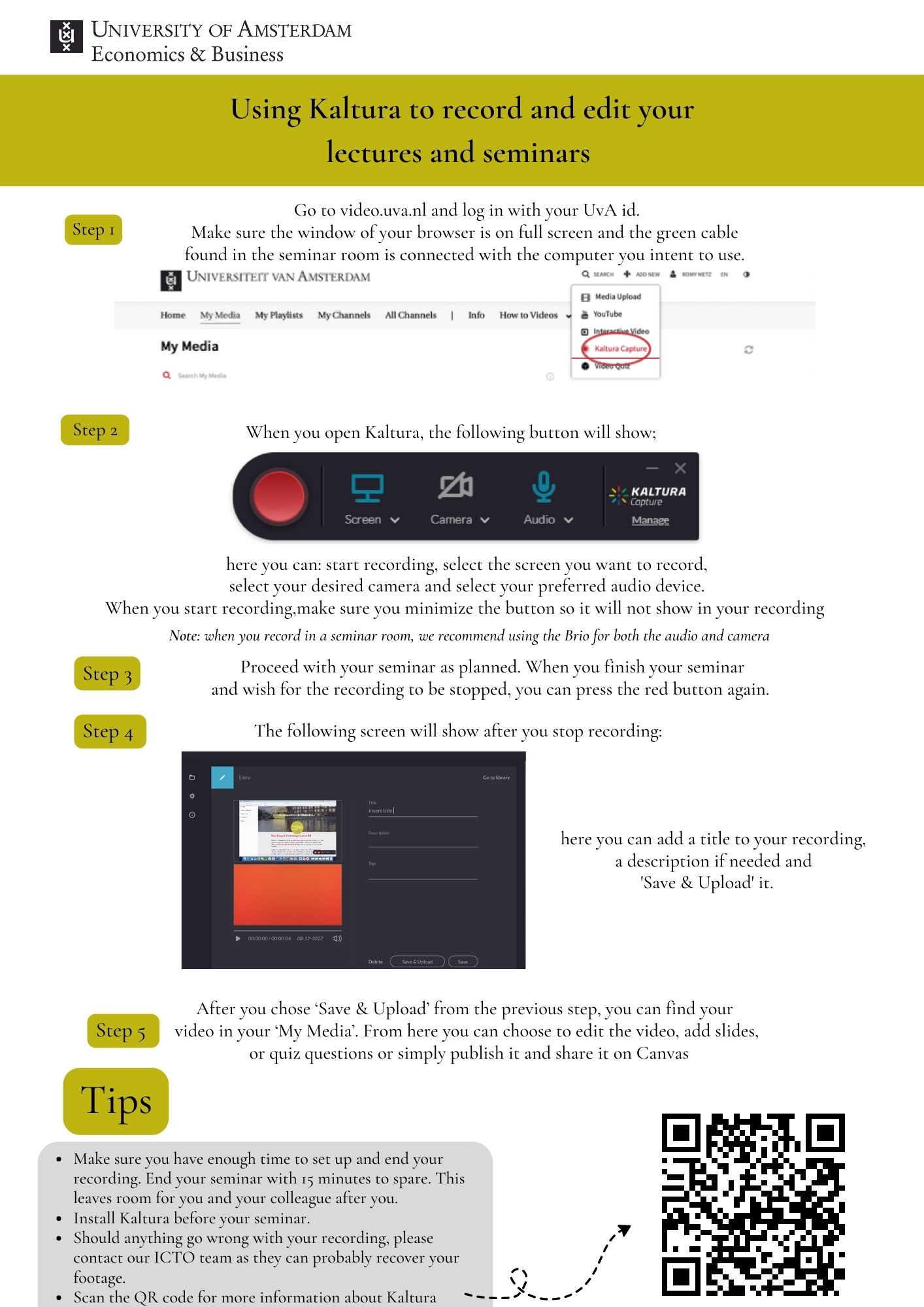
We recommend using Kaltura. Kaltura allows you to record your lecture yourself and post it on canvas. See this manual for Kaltura, and the manuals about the use of the equipment in the seminar rooms can be found on the TLC-website.
We recommend using Zoom. With Zoom it is possible to interact online with students i.a. by use of the chat function. The manual for Zoom can be found on the TLC-website.
Recording seminars
My seminar is in a lecture hall:
We recommend making use of Webcolleges. You can schedule recordings and/or livestream sessions via this link and Webcolleges will facilitate these. After your seminar, Webcolleges will send you a link which you can share with your students.
My seminar is in a seminar room:
We recommend using Kaltura. Kaltura allows you to record your seminar yourself and post it on canvas. See this manual for Kaltura, and the manuals about the use of the equipment in the seminar rooms can be found on the TLC-website.
We recommend using Zoom. With Zoom it is possible to interact online with students i.a. by use of the chat function. The manual for Zoom can be found on the TLC-website.