







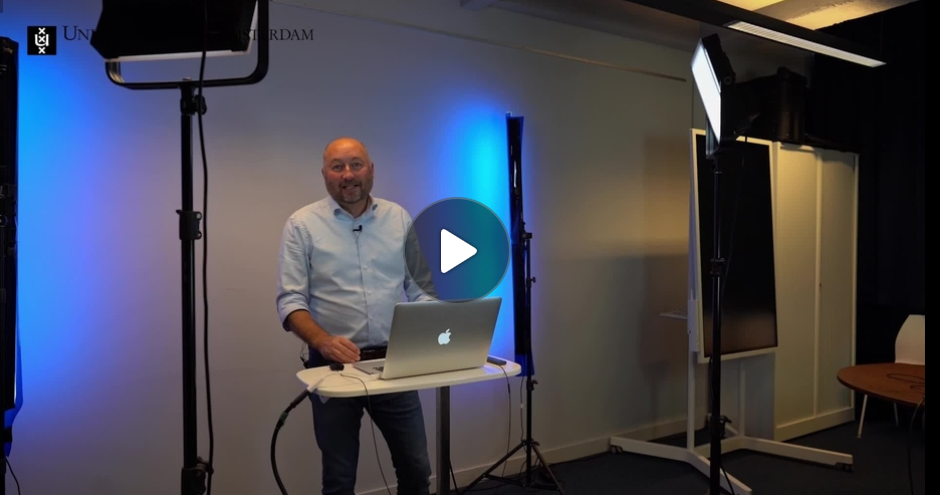
Interactive video
With Kaltura Interactive Video, you can build “choose-your-own-path” videos: students follow a tailored route consisting of short video clips. This makes learning paths more personal, increases engagement, and provides insight into viewing behavior through analytics. You can find everything you need to know about interactive videos on the UvA staff website.
What is een interactive video?
Interactive Video is a tool that allows the viewer to choose what happens next. The content the viewer sees depends on the choices they make, which makes the experience more personalized. You can think of an Interactive Video as a network of interconnected videos in which the viewer gets to ‘choose their own adventure.’
The advantages of an interactive video
Compared to a ‘standard’ video, an interactive video offers several advantages:
- With an interactive video, content can be better tailored to the individual, as viewers decide for themselves what they want to see.
- An interactive video captures the viewer’s attention more effectively, as it encourages an active, ‘lean-forward’ approach—viewers must engage with the content to progress through the video.
- An interactive video can provide deeper insight into the viewer’s learning process. For example, you can use analytics to track which options within an interactive video are selected most frequently. Read more about analytics here.
How do I create an interactive video?
Everything you need to know about how to edit an interactive video and effectively incorporate it into your teaching can be found via the link below:
What does the UvA manual cover?
- What interactive video is and when to use it.
- Advantages over standard video (personalization, activation, analytics).
- Creating your own in Kaltura (My Media > Add New > Interactive video) using nodes and hotspots.
- Building paths: branching options, default paths, and loops.
- Editing: Properties, Behavior, and Styles.
- Educational applications: differentiating based on prior knowledge, exploring scenarios, and assessing knowledge.
- Practical tips: keep it concise, include a main menu, and incorporate early yet well-considered interactions.