






Kaltura Video Quiz
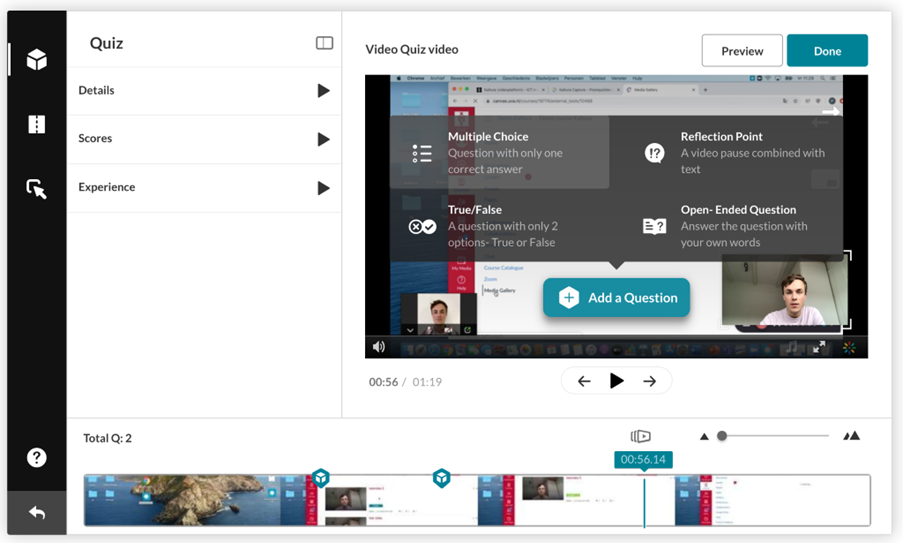
A Video Quiz makes it possible to add various types of questions to an existing video. The video platform Kaltura is used for this. On this page, you can read a brief explanation of what a Kaltura Quiz is and where you can find more detailed information.
Wat is een Kaltura Video Quiz?
With a Kaltura Video Quiz, you can add questions to an existing video. Students see the questions at the moments you select, and the video continues playing once the questions are answered. You can configure whether students:
- are allowed to rewatch parts of the video before a question,
- may skip questions or answer them again,
- can see their score and the correct answers,
- receive hints and explanations for the answers.
On the UvA website you will find a detailed step-by-step guide on:
- creating a Kaltura Video Quiz,
- linking a Video Quiz to a Canvas Assignment,
- the available settings,